A business website is more than just an online presence. It is an important platform for introducing your brand, showcasing your products or services, building customer trust, and generating new enquiries. When potential customers visit your website, they should be able to understand what your business offers, find relevant information, and take the next step without confusion. A well-designed website can make this process easier and encourage visitors to engage with your business.
However, simply having a website does not guarantee customer interest or enquiries. Its design, loading speed, navigation, content, and overall user experience all influence how visitors interact with it. Even small improvements can make a noticeable difference in how effectively your website communicates your value.
Whether you are launching a new website or improving an existing one, focusing on usability and customer needs can help create a stronger online experience. In this article, we explore 10 practical website improvements that can help attract more customers, build credibility, and support long-term business growth.
1. Create a Clean and Professional Website Design
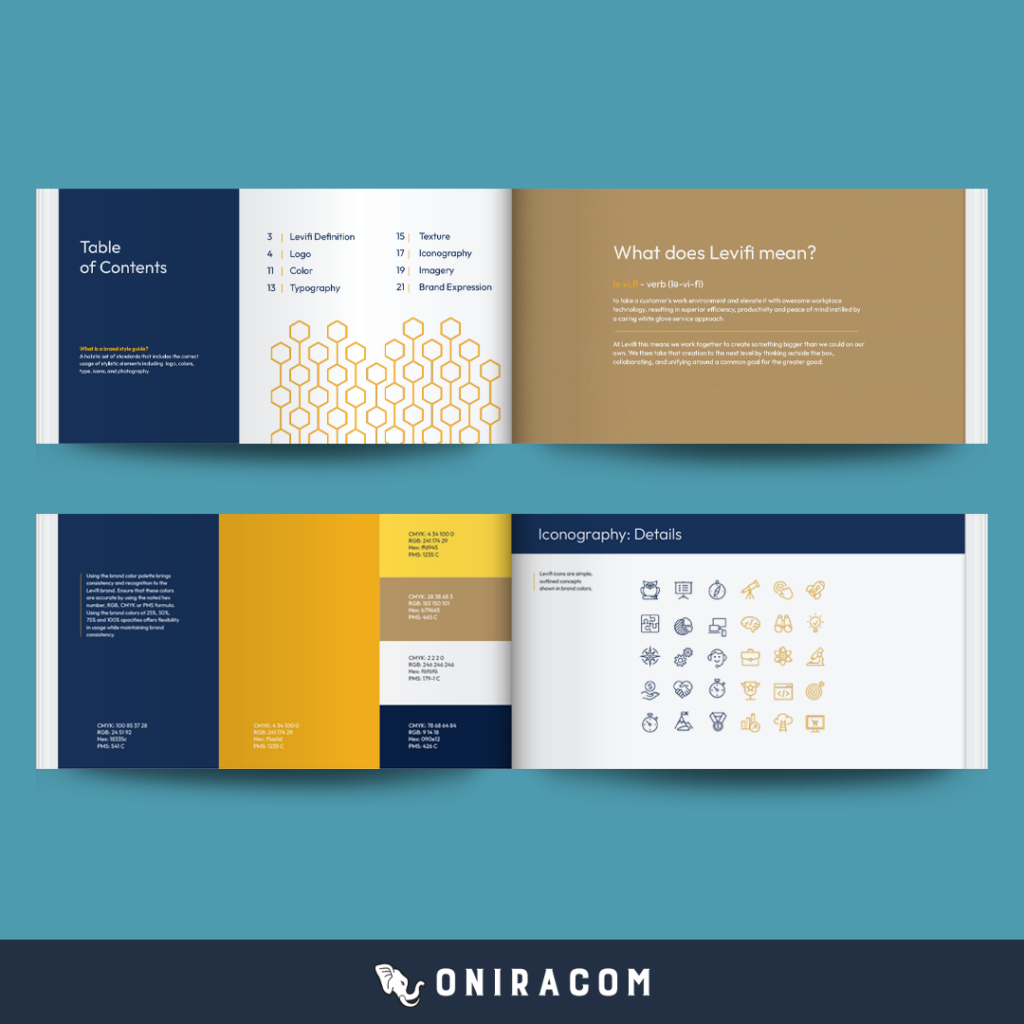
Your website’s design is often the first thing visitors notice when they land on your pages. A clean, professional appearance can help establish a positive impression and make your business appear more credible. Investing in brand identity design services can help create a consistent visual style that reflects your business values and strengthens brand recognition. On the other hand, cluttered layouts, inconsistent colours, and outdated visuals may make visitors question the quality of your products or services.
Start by choosing a simple layout that reflects your brand identity. Use a consistent colour palette, readable fonts, and appropriate spacing throughout the website. Each page should have a clear visual structure, making it easy for visitors to identify headings, important information, images, and action buttons.
2. Make Your Website Mobile-Friendly
Many customers browse websites using smartphones and tablets. If your website does not display properly on smaller screens, you could lose visitors who might otherwise be interested in your business.
A mobile-friendly website automatically adjusts its layout according to the screen size of the device being used. This approach, commonly known as responsive web design, helps maintain a consistent browsing experience across desktops, tablets, and smartphones.
To improve mobile usability, consider the following steps:
- Use responsive layouts that adjust to different screen sizes.
- Make text large enough to read without excessive zooming.
- Ensure buttons and links are easy to tap.
- Avoid horizontal scrolling and overlapping content.
- Keep forms short and simple to complete on mobile devices.
- Make important contact details accessible.
It is also important to test your website on different devices and browsers. A page that looks perfect on a desktop computer may have spacing, alignment, or navigation issues on a smartphone.
3. Improve Website Loading Speed
Website loading speed has a direct impact on user experience. Visitors generally expect pages to load quickly, and delays can discourage them from exploring further. If important information takes too long to appear, potential customers may leave before discovering what your business offers.
Several factors can affect website speed, including large images, unnecessary scripts, excessive plugins, and unreliable hosting. Identifying and addressing these issues can help improve overall performance.
Here are some practical ways to make your website faster:
Optimise images: Large image files can slow down page loading. Compress images before uploading them and use modern formats, such as WebP, where supported.
Reduce unnecessary plugins: Too many plugins or extensions can increase loading times. Review your website regularly and remove tools that are no longer needed.
You can use tools such as Google PageSpeed Insights to evaluate website performance and identify areas that need attention. Regular speed checks can help you maintain a smoother experience as your website grows.
4. Simplify Website Navigation
Website navigation helps visitors move between pages and find the information they need. If your menu is confusing or important pages are difficult to locate, visitors may become frustrated and leave.
You should also consider adding internal links throughout your website. These links can guide visitors from one relevant page to another. For example, a blog post discussing a particular service can link directly to the corresponding service page.
Other useful navigation improvements include:
- Keep the main navigation menu short and organised.
- Use dropdown menus only when they improve accessibility.
- Add a search function if your website contains extensive content.
- Include breadcrumbs on websites with multiple levels of pages.
- Make your logo clickable so visitors can return to the homepage.
When navigation is straightforward, visitors can spend more time exploring your offerings and are more likely to find the information needed to make a decision.
5. Add Clear and Compelling Calls to Action (CTAs)
A website should not only provide information but also encourage visitors to take meaningful actions. Calls to action, commonly known as CTAs, guide users towards the next step in their journey.
Depending on your business objectives, this could involve requesting a quote, booking a consultation, purchasing a product, subscribing to a newsletter, or contacting your team.
Effective CTAs use clear, action-oriented language. Examples include:
- Get a Free Quote
- Contact Us
- Book a Consultation
- Explore Our Services
- Request More Information
- Shop Now
Place these buttons in locations where visitors are likely to need them. For example, a service page can include a CTA after explaining the benefits of a particular service. Similarly, the homepage can feature a prominent action button near the main introductory message.
Avoid overwhelming users with too many competing CTAs on a single page. Instead, choose one primary action that matches the purpose of the content. A clear direction can make it easier for interested visitors to become leads or customers.
6. Create High-Quality and Relevant Website Content
Your website content helps visitors understand your business, evaluate your offerings, and decide whether your products or services meet their needs. High-quality content can also support your search engine optimisation strategy by helping search engines understand the purpose of your pages.
Start by identifying the questions and concerns your target audience may have. Your homepage should clearly explain what your business does and who it serves. Service pages should provide detailed descriptions of your offerings, while product pages should include relevant features, specifications, and benefits.
When creating website content, focus on clarity and usefulness. Avoid complicated language, excessive technical terms, and unnecessary promotional statements. Instead, explain how your products or services address specific customer needs.
Remember to:
- Use descriptive headings and short paragraphs.
- Answer common customer questions.
- Include relevant examples where appropriate.
- Add images and other useful visual elements.
- Review existing pages for outdated information.
- Maintain a consistent brand voice.
Content should be written for people first. When visitors find useful answers and clear explanations, they have more reasons to trust your business and consider your services.
7. Strengthen Your Website SEO
Search engine optimisation (SEO) helps improve your website’s visibility in search engine results. When your pages are properly optimised, potential customers may find your business while searching for products, services, or information related to your industry.
Begin by identifying the search terms your potential customers are likely to use. These keywords should reflect your products, services, location, and the questions your audience may have. Incorporate relevant phrases naturally into page titles, headings, descriptions, and website content.
Some important on-page SEO improvements include:
Optimise title tags: Write unique and descriptive page titles that communicate the main topic of each page.
Write useful meta descriptions: Create concise descriptions that explain what visitors can expect to find on a page.
Organise headings: Use a logical heading structure to make content easier to understand for both visitors and search engines.
Improve internal linking: Connect related pages to help visitors discover additional information and allow search engines to understand your website structure.
Optimise images: Use descriptive file names and relevant alt text to provide context about your images.
Create SEO-friendly URLs: Keep URLs short, readable, and relevant to the page content. Local businesses should also pay attention to local SEO. Maintaining accurate business information and creating location-relevant content can help customers discover services in their area.
8. Build Trust with Testimonials and Customer Reviews
Trust is an important factor in purchasing decisions. Before contacting a business or buying a product, many customers look for evidence that the company can deliver a reliable experience.
Customer testimonials and reviews can help provide this reassurance. They allow potential customers to understand how others have experienced your products or services.
Consider adding a dedicated testimonials section to your homepage or relevant service pages. You can also include detailed case studies that explain the customer’s challenge, the solution provided, and the outcome achieved.
Other trust-building elements include:
- Displaying relevant certifications and professional memberships.
- Sharing examples of completed projects.
- Including genuine customer ratings and reviews.
- Providing clear business contact information.
- Explaining your service process and policies.
- Showing secure payment indicators where relevant.
Make sure all claims, reviews, and credentials are accurate and verifiable. Trust signals should help visitors make informed decisions rather than create unrealistic expectations.
9. Make Contact Information Easy to Find
Potential customers should not have to search through multiple pages to find out how to contact your business. If someone is interested in your services but cannot easily locate your phone number, email address, or enquiry form, they may choose another provider.
Your contact page may include:
- Business phone number.
- Professional email address.
- Physical business address, where applicable.
- Business operating hours.
- Contact or enquiry form.
- Relevant social media links.
Keep enquiry forms straightforward. Ask only for the information necessary to respond to the visitor’s request, such as their name, email address, phone number, and a brief message.
If your business serves customers in a specific location, consider including a map or directions where relevant. Make sure your contact details are consistent across your website and other online business listings. A creative marketing firm can also help maintain consistent brand messaging and improve how your business connects with potential customers. The easier you make it for visitors to reach your team, the fewer obstacles they face when taking the next step.
10. Improve Website Security and User Experience
Website security and user experience are essential for maintaining customer confidence. Visitors may hesitate to share personal details or complete transactions if they feel that a website is unreliable or unsafe.
One of the basic steps is installing an SSL certificate to enable HTTPS. This helps encrypt information exchanged between the website and its visitors. You should also keep your website platform, themes, plugins, and other software updated to address known security issues.
Depending on your website’s requirements, additional measures may include:
- Using strong passwords and multi-factor authentication.
- Limiting administrative access to authorised users.
- Creating regular website backups.
- Using appropriate security monitoring tools.
- Protecting enquiry forms against spam.
- Following applicable data protection and privacy requirements.
User experience also depends on how reliably your website works. Regularly check that links, buttons, forms, and other interactive elements function correctly. Remove broken links, fix display problems, and ensure important pages remain accessible.
How to Measure the Success of Your Website Improvements
Making website improvements is only part of the process. You should also monitor whether those changes are helping visitors engage with your business.
Use website analytics tools to understand how people interact with your pages. For example, Google Analytics 4 can help you track website traffic, user engagement, and important actions. Google Search Console can provide information about search performance, indexing, and search queries.
Some useful metrics to monitor include:
| Metric | What It Helps You Understand |
|---|---|
| Website traffic | How many visitors come to your website |
| Engagement rate | How visitors interact with your pages |
| Conversion rate | How many visitors complete desired actions |
| Page loading speed | How quickly important pages load |
| Organic search clicks | How many visitors arrive through search results |
| Enquiry submissions | How many visitors contact your business |
Review these metrics regularly to identify areas that need improvement. For example, if a service page receives traffic but generates few enquiries, you may need to improve its content, strengthen its CTA, or make the contact process easier.
Conclusion
A successful business website should make it easy for potential customers to understand your offerings, find useful information, and contact your team. Improving website design, mobile responsiveness, loading speed, navigation, content, and SEO can create a more effective online experience.
Building trust through genuine testimonials, providing accessible contact information, and maintaining strong security practices can further strengthen your website’s ability to support business growth. Contact us to discover how the right website improvements can help your business attract more customers and build a stronger online presence.
Remember that website optimisation is an ongoing process. Customer expectations, technology, and search engine requirements continue to evolve, so regularly reviewing your website is essential.
Frequently Asked Questions (FAQs)
1. What makes a business website attractive to customers?
A business website becomes more attractive when it has a professional design, clear navigation, useful content, fast loading speed, and accessible contact information. Genuine testimonials, relevant images, and clear calls to action can also improve the overall experience.
2. How can website design help attract more customers?
Professional website design creates a positive first impression and helps visitors understand your business. A clean layout, consistent branding, readable text, and organised pages make it easier for potential customers to explore your products or services.
3. Why is mobile responsiveness important for business websites?
Mobile responsiveness ensures that a website displays correctly across smartphones, tablets, and desktop devices. It improves accessibility, makes navigation easier, and allows visitors to interact with your business regardless of the device they use.
4. How does website loading speed affect customer experience?
Slow-loading websites can frustrate visitors and make it harder for them to access information. Improving page speed creates a smoother browsing experience and can support better engagement and website performance.
5. How often should a business update its website?
A business should review its website regularly to check for outdated information, broken links, security updates, and performance issues. Major content and design updates can be made whenever business offerings, customer needs, or website goals change.
6. Can SEO improvements help a website attract more customers?
Yes. SEO improvements can help your website appear in relevant search results when potential customers look for products, services, or information related to your business. Better visibility can increase opportunities to attract relevant visitors and generate enquiries.